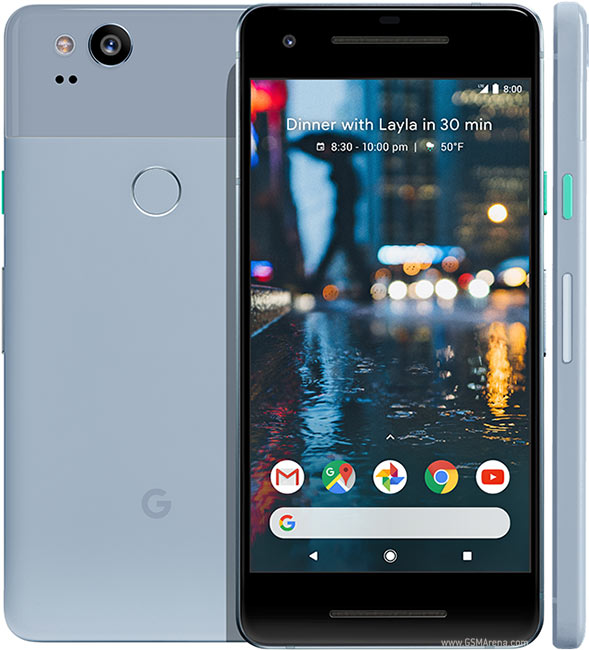
Google Pixel 2
My intention for our Google Pixel 2 (2017 model bought second hand in January 2022) was to install LineageOS to benefit from security updates. The Pixel 2 "walleye" is indeed fully supported by LineageOS and the installation instructions (for Lineage OS 18.1 at the time of writing) seemed straightforward. Unfortunately the refurbished device came with the infamous "grayed out OEM unlock" option and the bootloader was indeed in locked state, as checked with adb/fastboot. After spending some time doing factory resets and OTA sideloading, I just gave up...
The other issue that came up is the infamous "Connected no internet" on wifi. Plenty of advice can be found regarding this problem but in my case the diagnosis was:
- All other devices have no issues = the router itself is working fine
- Pixel 2 can access internet using my OnePlus as a wifi access point = there is a specific network setting on the router that Pixel 2 handles badly
So I knew the issue was on the phone. After resetting the connections, fiddling with DHCP and generally having fun with network settings, the solution I found was to turn off the "private DNS" option, by default set on automatic. Thanks Google...